Online courses
Sell your online course from your own site, paid straight to you
For creators, coaches and experts who teach what they know. Build a course of video lessons, open a few free previews on your own website, and sell it for one price, a payment plan or a monthly membership. Buyers pay into your own Stripe account, learn at their own pace or with a group, and finish with a certificate they can share.
What you get
Everything between the first free lesson and the certificate
Kommune's Courses module is a full course platform: a builder, a sales page, checkout, a classroom and your students' progress, in one place.
- A course builder that stays out of your way
- Arrange modules and lessons by dragging them. Each lesson takes an uploaded video or a YouTube or Vimeo link, written notes and up to ten downloadable files. Uploaded videos stream only to students who have access, with no download button and an optional watermark showing the viewer's name and email.
- Free previews and a public sales page
- Switch a course onto your website and it gets its own page with the description, the full outline and a Free preview badge on the lessons anyone can watch. Visitors open those lessons without signing up, then buy from the same page.
- One price, a payment plan or a membership
- Offer up to three ways to pay for each course: a one-time price, 2 to 24 monthly payments, or a monthly or yearly subscription that keeps access while it's paid. Add discount codes with a percent or amount off, a use limit and an expiry date. Sales tax and numbered receipts are handled for you.
- Quizzes, drip release and progress
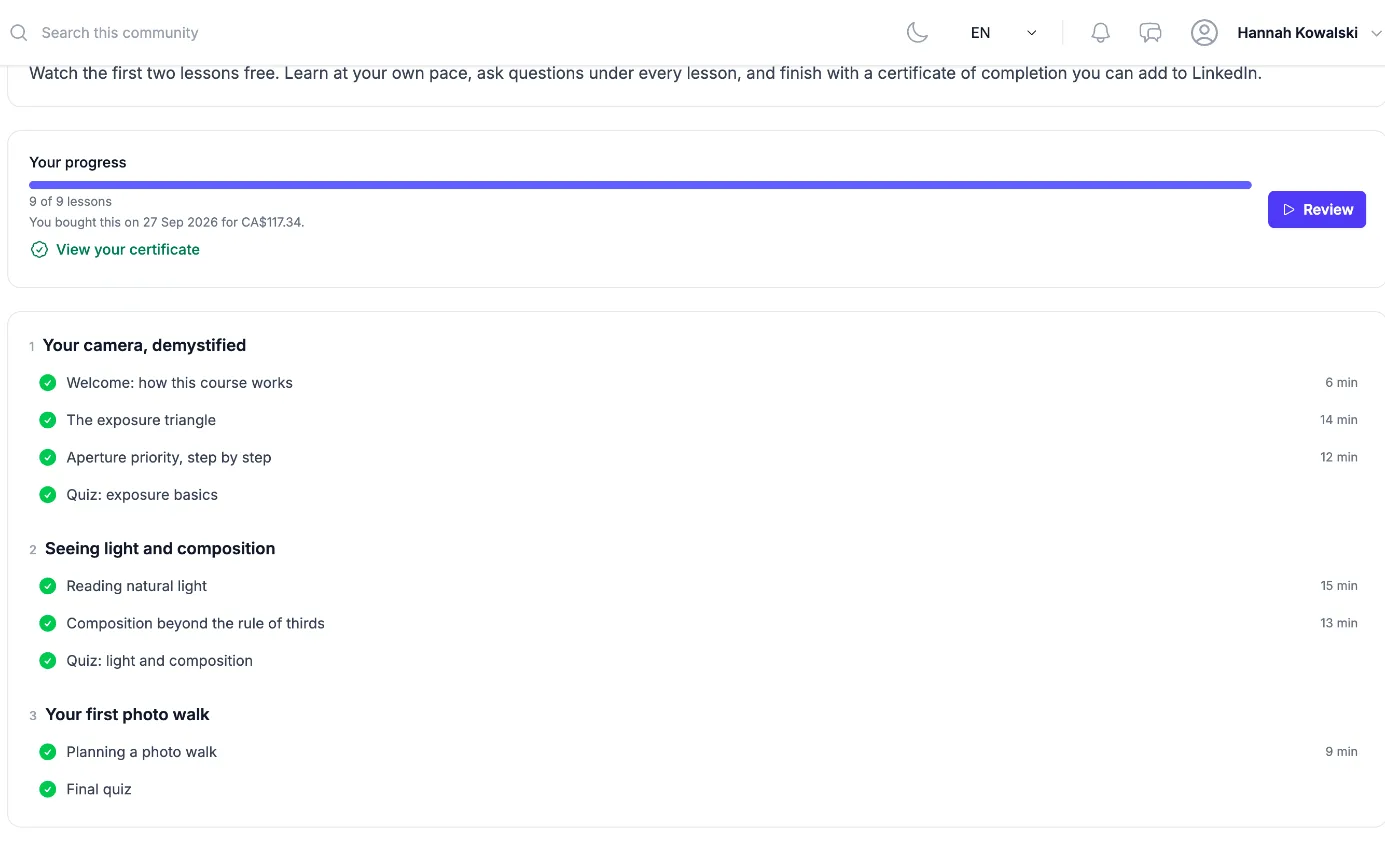
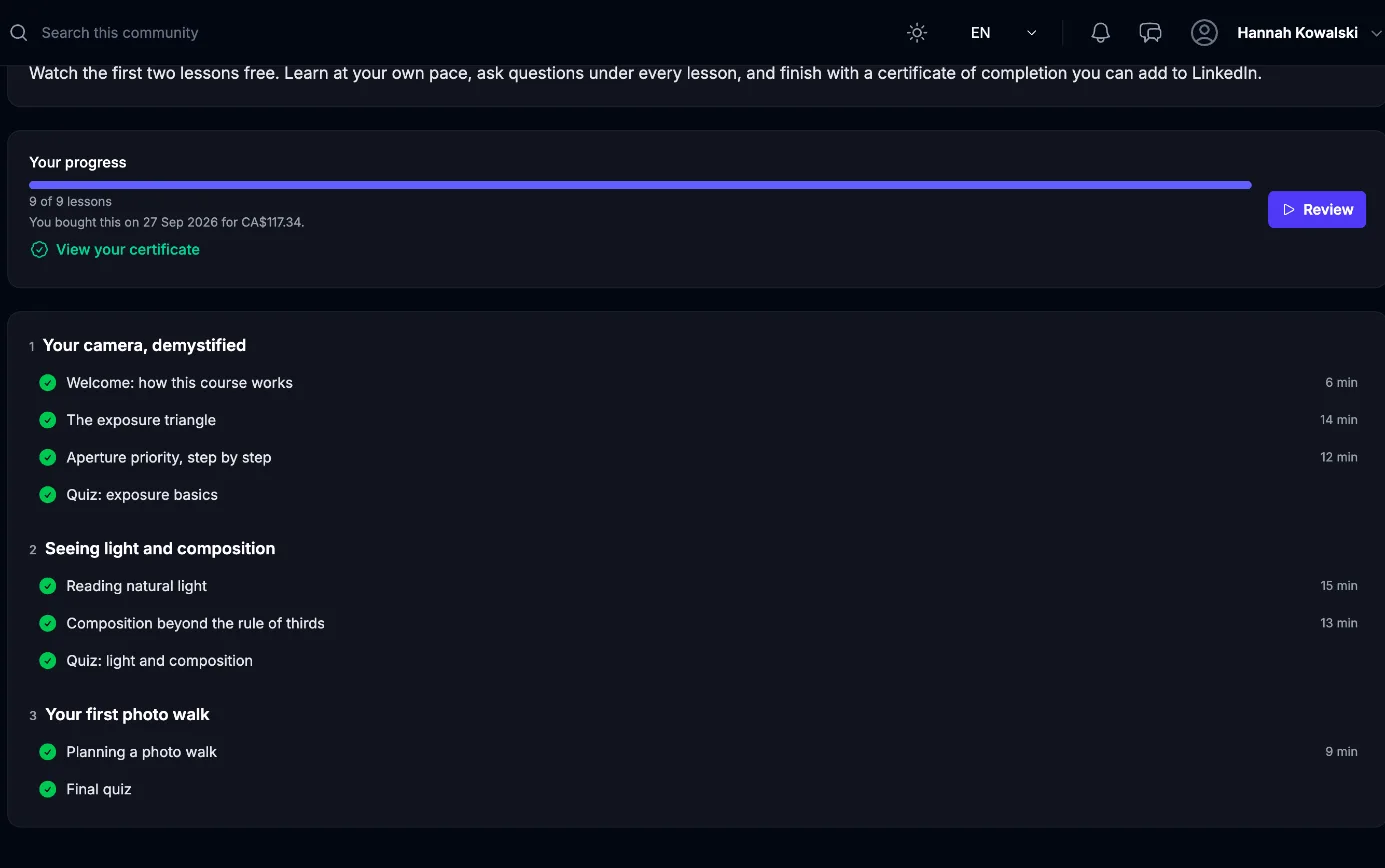
- Add quizzes with multiple choice, short answer, put-in-order and match-the-pairs questions, a pass mark and optional retakes. Release modules a set number of days after each student starts. Every student sees a progress bar and a Continue button, and you see how far each one has got.
- Certificates students can share
- Finishing every lesson and quiz issues a certificate of completion with its own verify page, a QR code, a one-click Add to LinkedIn and a PDF download. You can issue or revoke one by hand from the Students tab.
- Cohorts and discussions
- Run a course with start dates: each group has its own start, seats and end date, lessons open when the group starts, and the group can get a private discussion of its own. Every lesson also has a comment thread, so questions get answered where the lesson is.
How it works
From your first lesson to your first sale
- 1
Build the course
Create a course, add modules and lessons, paste your video links or upload the videos, and mark a lesson or two as a free preview.
- 2
Set the price and publish
Connect Stripe under Money, choose a one-time price, a payment plan or a subscription, and switch on the public page. Your website can list the course with its outline and prices.
- 3
Sell, teach and track
Buyers check out on the course page and start right away. Receipts, access, new-lesson alerts and certificates run on their own while you answer questions and follow progress.
Use cases
See it working for a business like yours
These sample businesses run on Kommune right now. Open one, book a test appointment and look around.
Questions people ask
Start taking bookings this afternoon
Sign up free, add your services and share your link. No credit card, and card payments go straight to your own Stripe account.